Edit „/etc/hosts“ for each cluster member
192.168.1.100 rpi-iot-jsho-DockerCluster-00
192.168.1.101 rpi-iot-jsho-DockerCluster-01
192.168.1.102 rpi-iot-jsho-DockerCluster-02
Edit „/etc/ssh/sshd_config“ and update the field „PermitRootLogin“ for each cluster member
# vi /etc/ssh/sshd_config
PermitRootLogin yes
# /etc/init.d/ssh restart
root@rpi-iot-jsho-dockerCluster-00:~# ssh-keygen -t rsa
root@rpi-iot-jsho-DockerCluster-00:~# ssh-copy-id ssh-copy-id root@rpi-iot-jsho-DockerCluster-01
root@rpi-iot-jsho-DockerCluster-00:~# ssh-copy-id ssh-copy-id root@rpi-iot-jsho-DockerCluster-02
Install Docker on each node
root@rpi-iot-jsho-DockerCluster-00:~# curl -sSL https://get.docker.com | sh
root@rpi-iot-jsho-DockerCluster-01:~# curl -sSL https://get.docker.com | sh
root@rpi-iot-jsho-DockerCluster-02:~# curl -sSL https://get.docker.com | sh
Create the swarm
root@rpi-iot-jsho-DockerCluster-00:~# docker swarm init –advertise-addr 192.168.1.100
Add the rest of the nodes to the swarm
root@rpi-iot-jsho-DockerCluster-00:~# docker swarm join-token manager
root@rpi-iot-jsho-DockerCluster-00:~# docker swarm join-token worker
root@rpi-iot-jsho-DockerCluster-01:~# docker swarm join –token SWMTKN-1-2r32j380gm7cej0cw9p4d6nk65qik2p3stc1t65rb3eigapwms-507hts883sm0i7raj4bdr7r5k 192.168.1.100:2377
root@rpi-iot-jsho-DockerCluster-02:~# docker swarm join –token SWMTKN-1-2r32j380gm7cej0cw9p4d6nk65qik2p3stc1t65rb3eigapwms-507hts883sm0i7raj4bdr7r5k 192.168.1.100:2377
root@rpi-iot-jsho-DockerCluster-00:~# docker node ls
ID HOSTNAME STATUS AVAILABILITY MANAGER STATUS
kpo4hpblpqyswzzyiq6lfhuef * rpi-iot-jsho-DockerCluster-00 Ready Active Leader
nuy11jbsa5is971zpsbsje32v rpi-iot-jsho-DockerCluster-01 Ready Active
n1lxz89yddjk02y0bf1nebnkb rpi-iot-jsho-DockerCluster-02 Ready Active
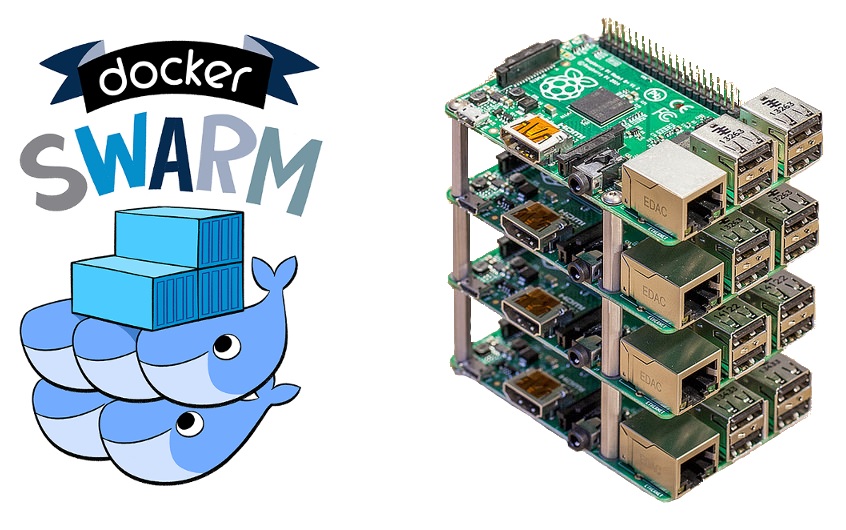
Leave the swarm
# docker swarm leave –force
Run our first service
root@rpi-iot-jsho-DockerCluster-00:~# docker service create \
–name viz \
–publish 8080:8080/tcp \
–constraint node.role==manager \
–mount type=bind,src=/var/run/docker.sock,dst=/var/run/docker.sock \
alexellis2/visualizer-arm:latest
root@rpi-iot-jsho-DockerCluster-00:~# docker service ls
lqejzqrv0le8 viz replicated 0/1 alexellis2/visualizer-arm:latest
It will say 1/1 when it’s ready
Once it’s ready you can visit http://192.168.1.100:8080 (the IP@ of rpi-iot-jsho-DockerCluster-00 and port 8080 )